
AI UGC video generator for product ads
Turn product photos into creator-style ads. NewScene's AI UGC video generator puts your product at the center of the story.
Review your shots before generating your AI UGC video.
See AI UGC ads made with NewScene
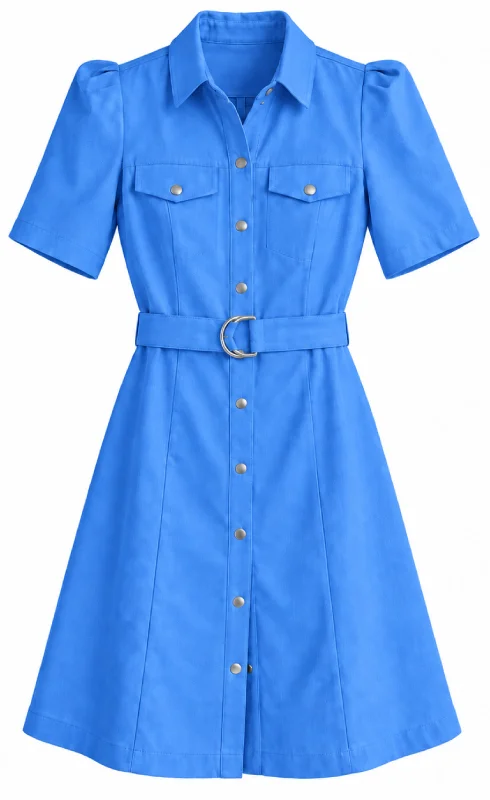
Watch a talking dress ad created with NewScene. This AI UGC ad turns the product into a creator-style story.
AI UGC dress ad, created with NewScene.
Create AI UGC adsCreate AI UGC videos for products from your photos
Create AI UGC videos for products from your existing photos. Choose the creator for your ad. Review the shots before generating your video.
Choose your product photos
Select photos of your product. Add packaging photos when you want packaging in the ad.
Choose your creator
Choose a character for your AI UGC ad. Select the location for your scene.
Generate your AI UGC video
Review your shot images. Generate your video from the selected shots.
Choose the creator for your UGC-style product ads
Build UGC-style product ads around your product. Use character references to choose the creator. Choose a location that fits the story.
- Product photos define what appears in your ad.
- Character references define your creator's appearance.
- Select a video model with audio support for spoken delivery.
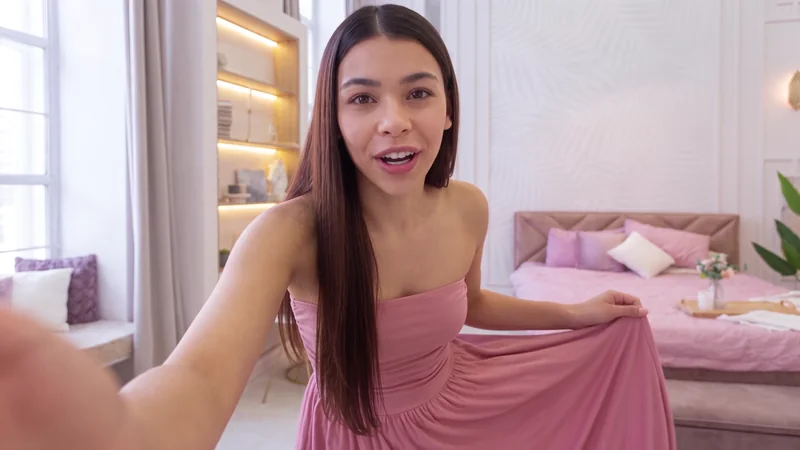
Finish your AI UGC video ads with a brand ending
Add your brand ending to AI UGC video ads. Preview your generated video. Use the finishing controls to add your logo.
- Adjust the video fades.
- Choose an ending color.
- Download your finished video as an MP4.
AI UGC video generator FAQ
Find answers about creating AI UGC product ads.
Create an AI UGC video for your product
Turn your product photos into an AI UGC video. Add your brand ending to the finished ad.
Create an AI UGC video