
Fashion Walk
Bring a garment into motion with a model and setting you choose.
Put your product at the center of your next campaign. Choose the look, cast and setting, then generate footage you can finish in NewScene.
No prompting skills needed. Creative direction is optional.
Bring the product. Build the scene around it. NewScene connects your references with the footage you want to make. These sample references show what you can bring to a project.
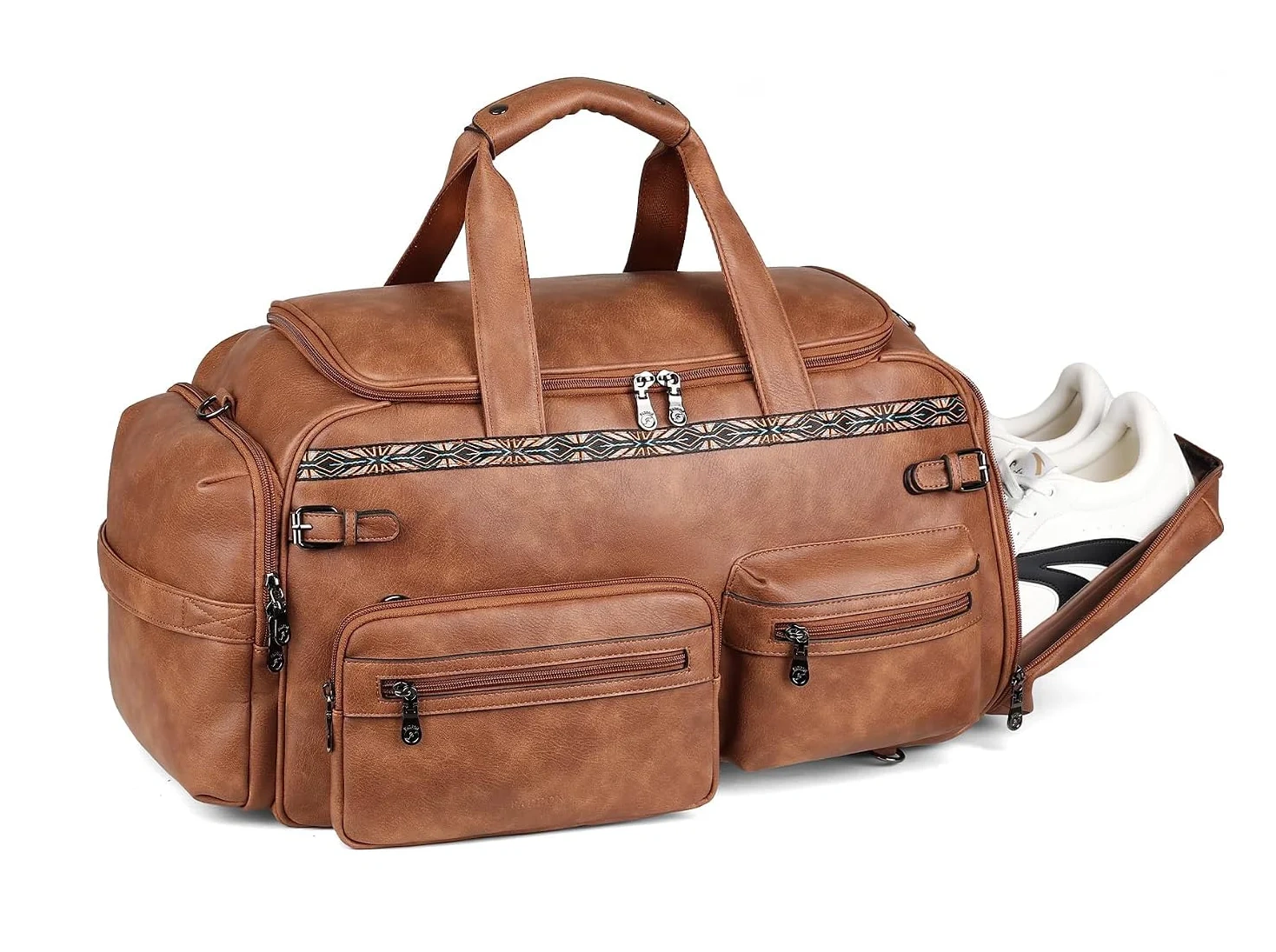
Add the product photos you want to feature.
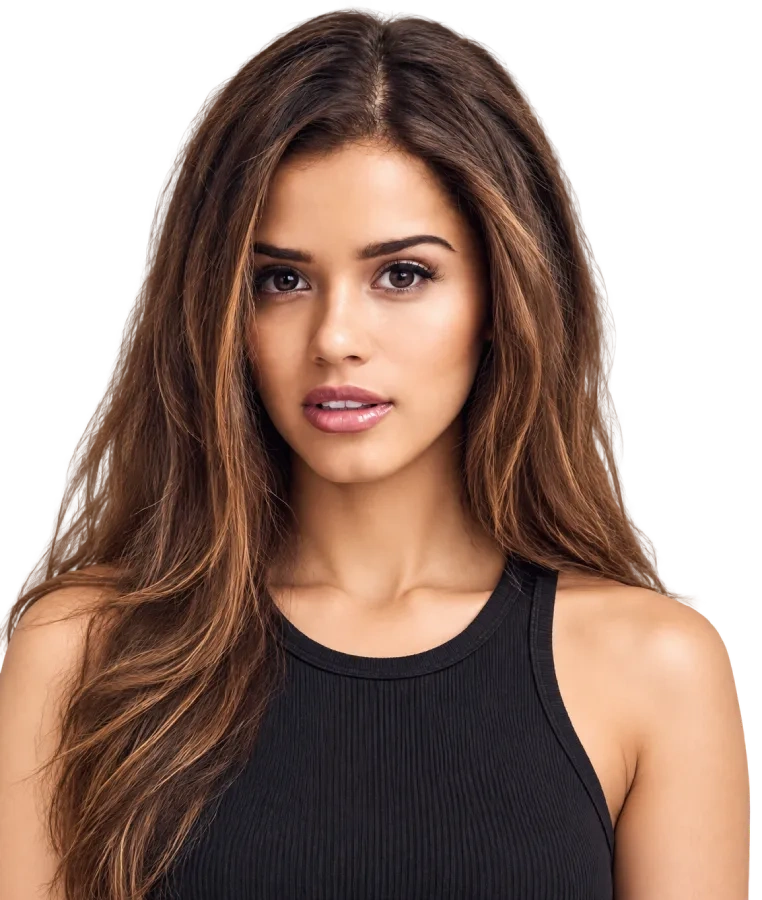
Choose your style and cast. Add creative direction if you want it.
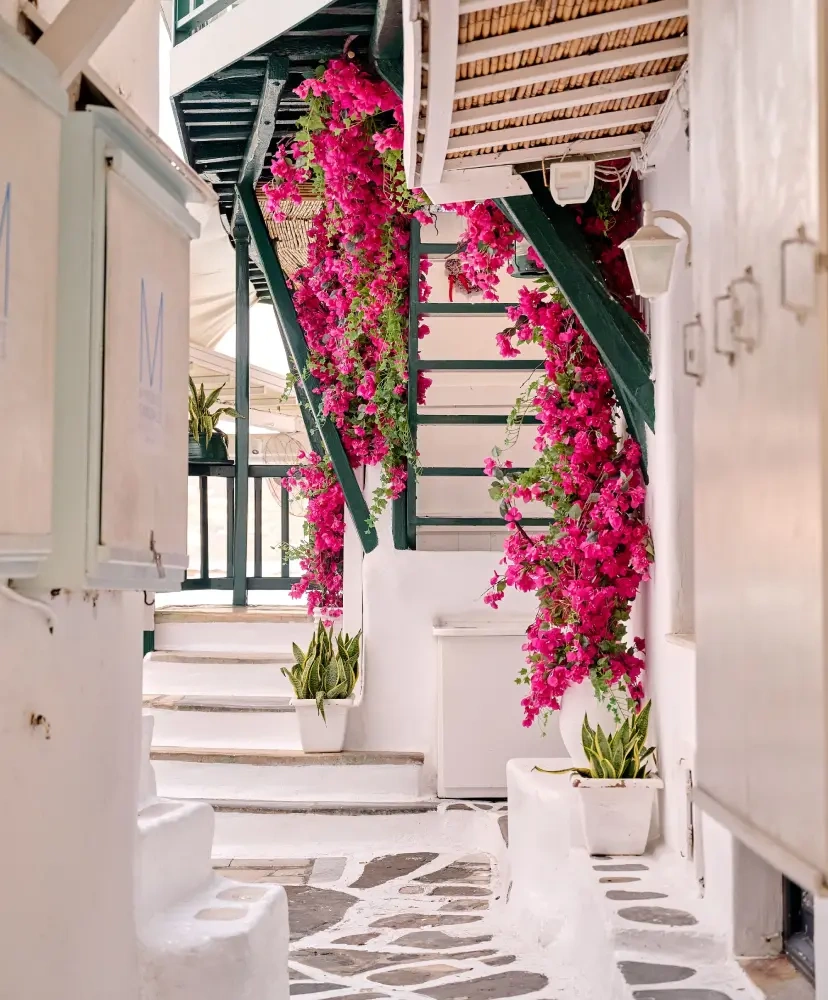
Pick a location. In Fashion Walk, review the prepared shots before generating your footage.
A fashion film. A presenter-led story. A social moment. Explore three directions, shown here in separate NewScene campaigns.
Bring a garment into motion with a model and setting you choose.
Build a presenter-led product story.
Shape a short product story for your social content.
Give the footage your message. Add text and visual layers, set their timing and animate them over your video.
Position text and visual layers around your footage.
Arrange when each layer appears.
Animate the details, including a review layer with content you provide.
Watch a full AI video generation from start to finish. No input prompt was entered. The video was made by clicking Generate. No prompting skills needed. See an animated review layer added in the video editor.
The full generation is shown without cuts. Portions are sped up to shorten the video. Demonstration review content is illustrative.
Start your AI video adLearn how to generate, edit and download AI video ads.
Choose a creative direction. Generate the footage. Make the message yours.
Create an AI video ad