
What "high-converting mobile vertical video ads" actually means
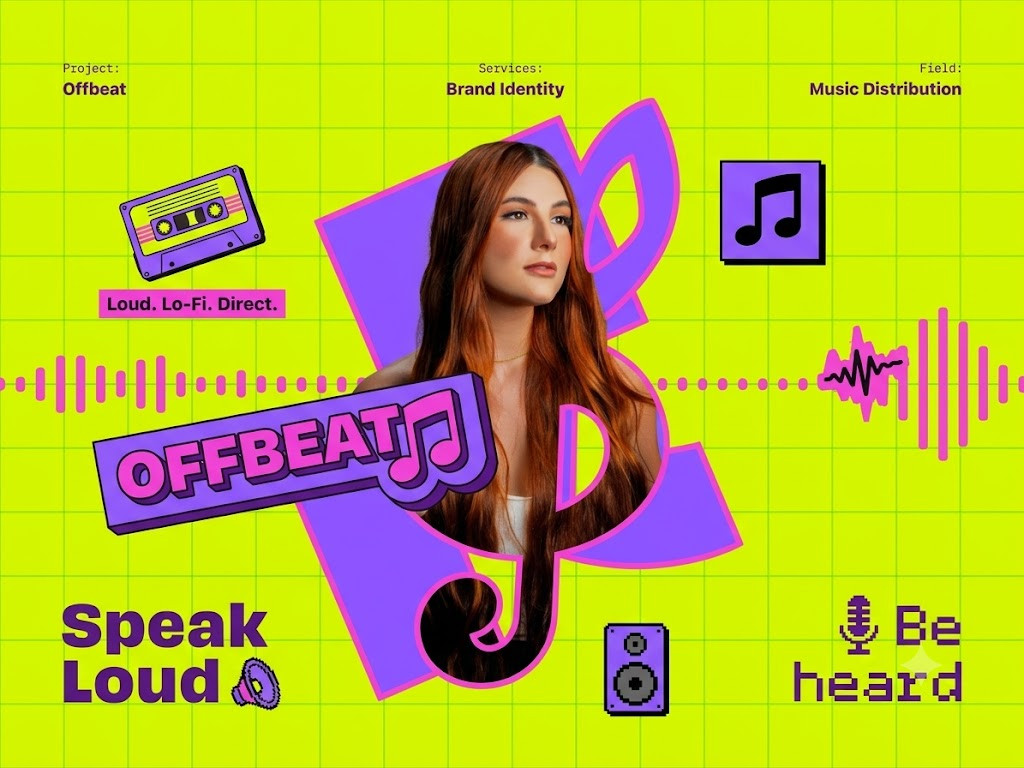
A high-converting mobile vertical video ad is not a fancy commercial squeezed into a 9:16 frame. It's a video that looks like it belongs in the feed it's running in. On TikTok, Reels, and Stories, people scroll past anything that smells like an ad in the first second. The ads that actually convert look like a person talking to a camera, holding a product, reacting to something — not a brand talking at them.
Most AI video tools are still stuck making the second kind. They generate something glossy, centered, and obviously fake-feeling. That's the wrong instinct for mobile vertical. The job here isn't to look expensive. It's to look real, move fast, and get to the point before the thumb moves.
The Brand Kit is the visual glue between all your marketing products. This is a powerful tool in AI video generation.
Why Brand Kits still matter for UGC-style ads
People assume UGC-style ads don't need a Brand Kit since the whole point is that they look unbranded and casual. That's backwards. The casual look only works if your product, your colors, and your on-screen text still feel like you behind the scenes. A Brand Kit is what keeps a "homemade" looking ad from drifting off brand after the fifth variation.
- Logo rules tell the model when it's okay to show your logo at all — usually just a quick flash on a product label or a lower-third, never a hard sell.
- Color roles keep your packaging, captions, and call-to-action button consistent even when the background is someone's kitchen counter or a car interior.
- Typography controls how your captions look — bold, native-style caption text reads very differently than a polished title card, and UGC ads need the former.
- Brand tone decides whether your creator voice is hyped-up and excited, dry and deadpan, or chill and informative. This is what keeps every video from sounding like a different person made it.
How to make a Brand Kit
Head over to Brand Kits and drop in your product images, logo, and any character references. Tell the chat prompt a little about your brand and what you're selling. Click "Create Brand Kit" and it'll get to work. Takes a minute or two.
Making a vertical video ad that doesn't look like an ad
Once your Brand Kit is ready, head to Create Videoand add your Brand Kit image plus any extra references — your product, your "creator" from a few angles, packaging shots, whatever you've got. The more reference angles you give it, especially for a character, the more consistent that person looks shot to shot.
Add a short prompt describing what you want — the hook, the product, anything specific you need called out. Then pick a style from the dropdown. For this kind of ad, you'll want either UGC Videoor Social Media, depending on how raw or how polished you want the final cut to feel.
To make your video, simply add your Brand Kit and product images, select "UGC Video" or "Social Media" from the styles, and add a brief description in the prompt.
UGC vs. Social Media style — which one to pick
UGC Video is built for the "this looks like a real person filmed it on their phone" feel — handheld energy, direct-to-camera talk, the kind of pacing you see in a friend's review video. It's the style most likely to stop a scroll because it doesn't read as an ad at all.
Social Media sits a notch more produced — still fast and native-feeling, but with cleaner cuts, on-screen text call-outs, and a bit more design polish. This is the better pick when you still want that platform-native energy but need it to feel a little more "brand" than "rando with a phone."
A lot of advertisers run both off the same Brand Kit and split test which one converts better for their audience. Since the underlying brand rules stay locked, you're testing creative style, not starting from scratch each time.
Generating your video
Now you're ready to produce your first vertical video ad. Click "Write Script" and the process kicks off. Our agentic AI workflow writes a hook-first script, sets the creator's tone and pacing, and lays out a full shot list for every beat of the video. Images get generated automatically so you can see exactly what each shot looks like before anything moves. Review them, make sure the product and creator look right, and request edits if something's off.
Once the shots look good, click "Create Video" to export. The NewScene movie player pops up with a full timeline so you can review the final cut. Background sound and music get added automatically.
After you enter a brief prompt about your video, the AI will generate a hook-first script and shot images, all done automatically.
Never Lose Your Work
Generate high-converting vertical video ads in NewScene
The same workflow works whether you're running one ad or twenty variations: build or upload a Brand Kit, pick UGC Video or Social Media as your style, and let NewScene generate scenes that stay locked to your product, your colors, and your creator's look across every cut.
Use a detailed prompt when you need a specific hook or message. Use the Brand Kit workflow when you want that consistency applied automatically across every new ad variation, creator angle, or platform you're testing on. You can also compare UGC and social video examples before selecting a style.